Forum Replies Created
-
wpsolrKeymaster4 years, 2 months ago in reply to: Search keyword not working properly #30348
In your fifth parameter, remove the type WPSOLR_AbstractIndexClient:
function wpsolr_filter_solarium_document_for_update( array $document_for_update, $solr_indexing_options, $post, $attachment_body, $search_engine_client ) {..}instead of:
function wpsolr_filter_solarium_document_for_update( array $document_for_update, $solr_indexing_options, $post, $attachment_body, WPSOLR_AbstractIndexClient $search_engine_client ) {...}wpsolrKeymaster4 years, 2 months ago in reply to: Search keyword not working properly #30345In this file, it is too late to modify the data. It was meant to spy the call to Solr.
If you want to test some data cleaning, you can use WPSOLR hooks in your them’s functions.php:use wpsolr\core\classes\WPSOLR_Events; use wpsolr\core\classes\WpSolrSchema; add_action( 'after_setup_theme', function () { add_filter( WPSOLR_Events::WPSOLR_FILTER_SOLARIUM_DOCUMENT_FOR_UPDATE, 'wpsolr_filter_solarium_document_for_update', 10, 5 ); } ); /** * * @param array $document_for_update * @param $solr_indexing_options * @param $post * @param $attachment_body * @param WPSOLR_AbstractIndexClient $search_engine_client * * @return array Document updated with fields */ function wpsolr_filter_solarium_document_for_update( array $document_for_update, $solr_indexing_options, $post, $attachment_body, WPSOLR_AbstractIndexClient $search_engine_client ) { /** Clean $document_for_update fields required **/ $document_for_update[ 'title' ] = ...; $document_for_update[ 'title_s' ] = ...; $document_for_update[ 'content' ] = ...; return $document_for_update; }- This reply was modified 4 years, 2 months ago by wpsolr.
wpsolrKeymaster4 years, 2 months ago in reply to: Search keyword not working properly #30341File /plugins/wpsolr-pro/wpsolr/core/classes/engines/solarium/class-wpsolr-solariumclient.php, line 30:
return new WPSOLR_ResultsSolariumClient( $search_engine_client->execute( $update_query ) );$search_engine_client is the Solarium library client.
$search_engine_client->execute( $update_query ) executes the update query within the Solarium library.You can try to debug step by step, until you find the cURL’s call to your Solr server.
wpsolrKeymaster4 years, 2 months ago in reply to: Search keyword not working properly #30339I suggest to test with another search engine first. It is my first suspect, and it should be fast.
For instance with OpenSolr (they provide a trial, and WPSOLR is integrated with OpenSolr).wpsolrKeymaster4 years, 2 months ago in reply to: Search keyword not working properly #30337I had uploaded your export file on my local instance, and could index both posts in Solr.
wpsolrKeymaster4 years, 2 months ago in reply to: Search keyword not working properly #30335You should have access now.
wpsolrKeymaster4 years, 2 months ago in reply to: Search keyword not working properly #30333I sent to your email a private link where to upload your export.
wpsolrKeymaster4 years, 2 months ago in reply to: Search keyword not working properly #30332I’d like to do that also.
Would you be able to use the WordPress export plugin to send me your posts with the issue?wpsolrKeymaster4 years, 2 months ago in reply to: Search keyword not working properly #30330There are tens of them. What would you like to do, so I can pinpoint the right one?
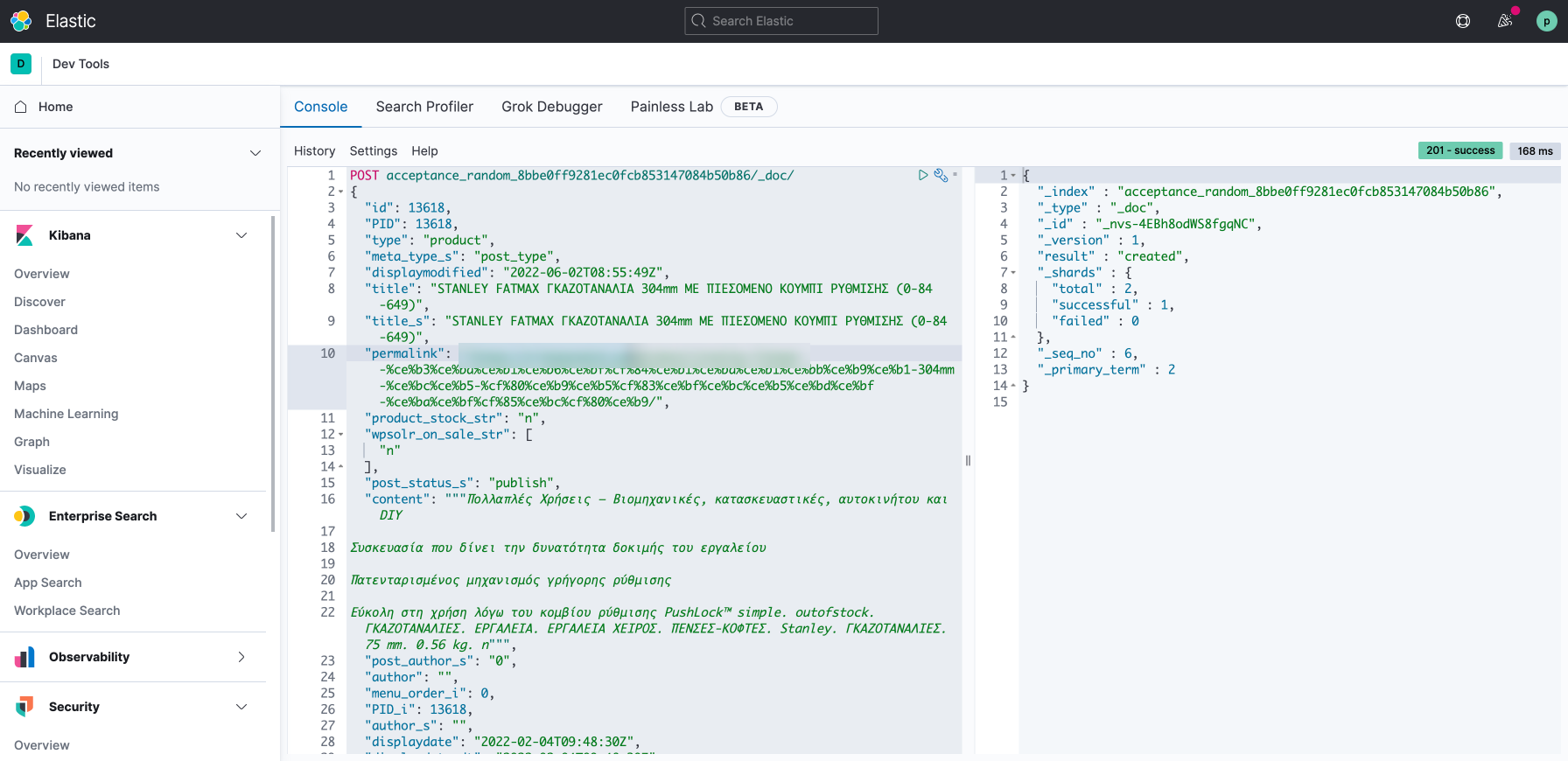
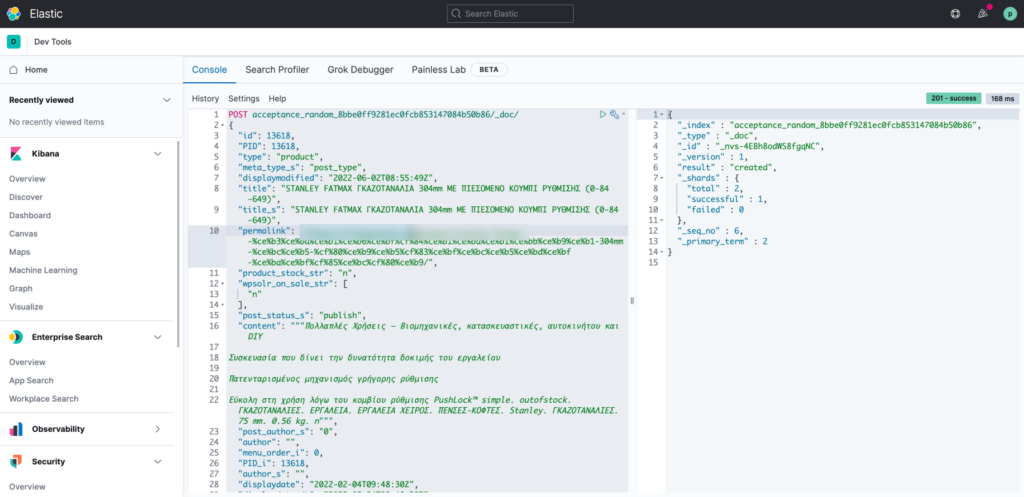
wpsolrKeymaster4 years, 2 months ago in reply to: Index Problem #30326And from Kibana?
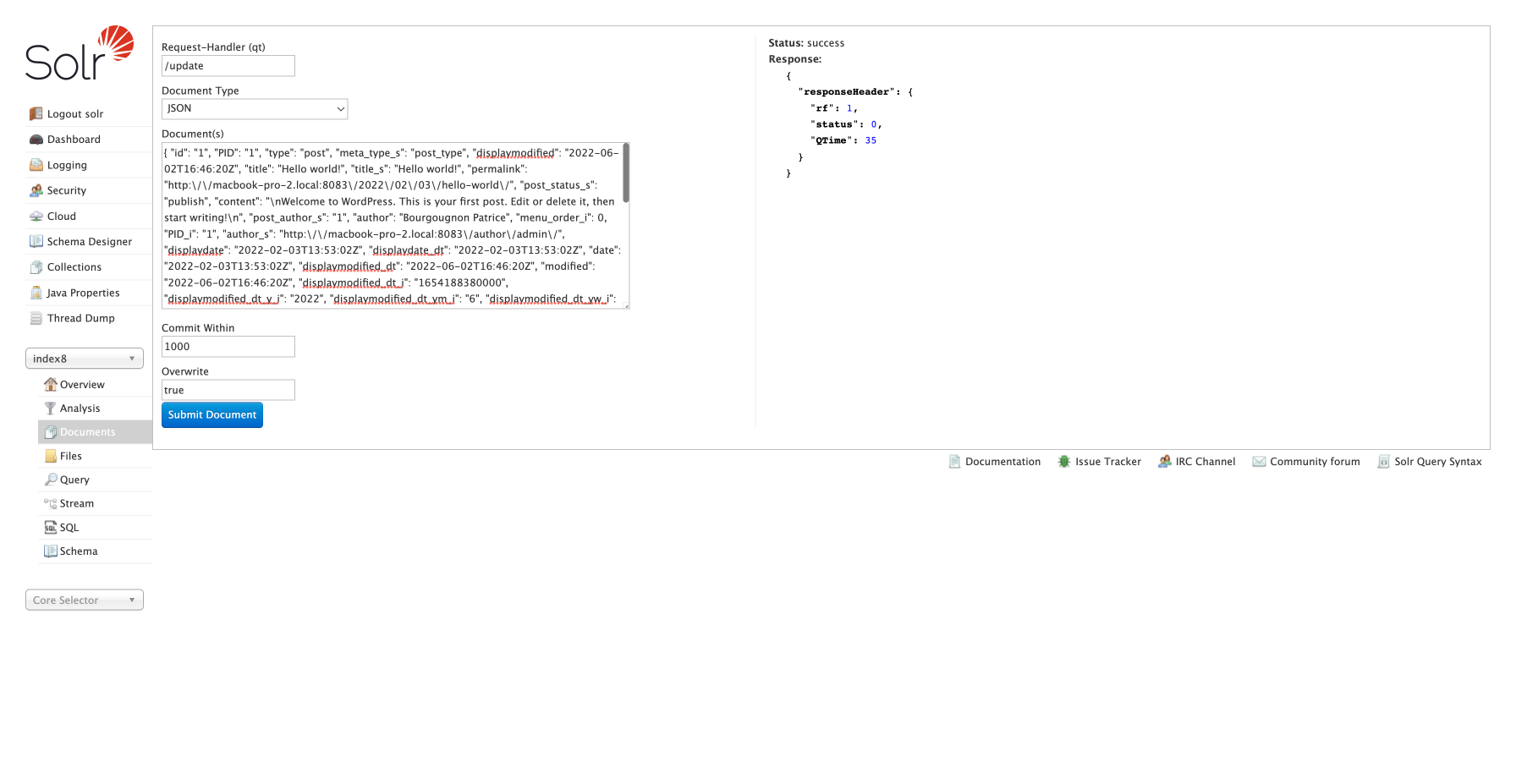
 wpsolrKeymaster4 years, 2 months ago in reply to: Index Problem #30319
I took your post json content, and indexed it from the /document menu in my Solr admin. Can you do it too?
 wpsolrKeymaster4 years, 2 months ago in reply to: Index Problem #30317
In your debug trace, do you see “ or ” characters?
wpsolrKeymaster4 years, 2 months ago in reply to: Index Problem #30315Did you see the “(WPSOLR) Post updated in index XXX” notice while saving your post?
wpsolrKeymaster4 years, 2 months ago in reply to: [Critical]Unable to get option to add License Key #30313Yes, remove the WP Option ‘wpsolr_licenses’. It should be enough to see the activation button.
wpsolrKeymaster4 years, 2 months ago in reply to: Index Problem #30310Can you edit and save your post 13618?