OpenSearch Vector Search

Bring intelligent, semantic search to WordPress & WooCommerce.

Image wpsolr-opensearch-ai-search-768x512.png of OpenSearch AI Search for WordPress & WooCommerce
Image opensearch_logo_default-e1637164388426.png of OpenSearch AI Search for WordPress & WooCommerce

Super-charge your search with vectors

Remove all limitations by using the mighty powers of OpenSearch vector search. Enjoy infinite scalability and lightning speed in no-time.

Image startup-1.png of OpenSearch AI Search for WordPress & WooCommerce

1-2-3 ready to use without coding

No need to be a technical wizard. You are just a few clicks away from a complete new search experience. 

Image support.png of OpenSearch AI Search for WordPress & WooCommerce

Hosted or self- hosted?

Choose to install your own OpenSearch to keep 100% control. Or find a hosting service among the many already certified.

Manage your own OpenSearch vector indexes

Create and delete indexes with one click.

Automatically install the index schema and settings.

By default, the English analyser is configured.

End-to-end automation for local and remote embedding setup

All the complex steps are handled automatically in the background:

  • Create the model group and wait for completion

  • Create the model connector

  • Register the model and wait for completion

  • Deploy the model and wait for completion

  • Create the ingestion pipeline

  • Create the RRF (Reciprocal Rank Fusion) search pipeline

Select ANN Vector or Hybrid Reciprocal Rank Fusion (RRF).

Choose ANN Vector search if:

  • You want maximum speed and scalability
  • Your queries are mostly semantic similarity (meaning-based search)
  • You have clean embeddings and good vector quality
  • You don’t need keyword precision or exact matches

Choose Hybrid RRF (Reciprocal Rank Fusion) if:

  • You need better relevance quality out of the box
  • You want to combine keyword + semantic search
  • Your data includes IDs, technical terms, names, or rare tokens
  • You want more robust ranking across different query types

Practical recommendation

In most real-world RAG / search setups, Hybrid RRF is the safer default because it:

  • reduces “semantic drift”
    improves recall for exact terms
  • handles mixed query styles better

👉 So:

  • Default: Hybrid RRF
  • Optimize for scale/latency: ANN Vector

Tune OpenSearch indexes, only if you want it

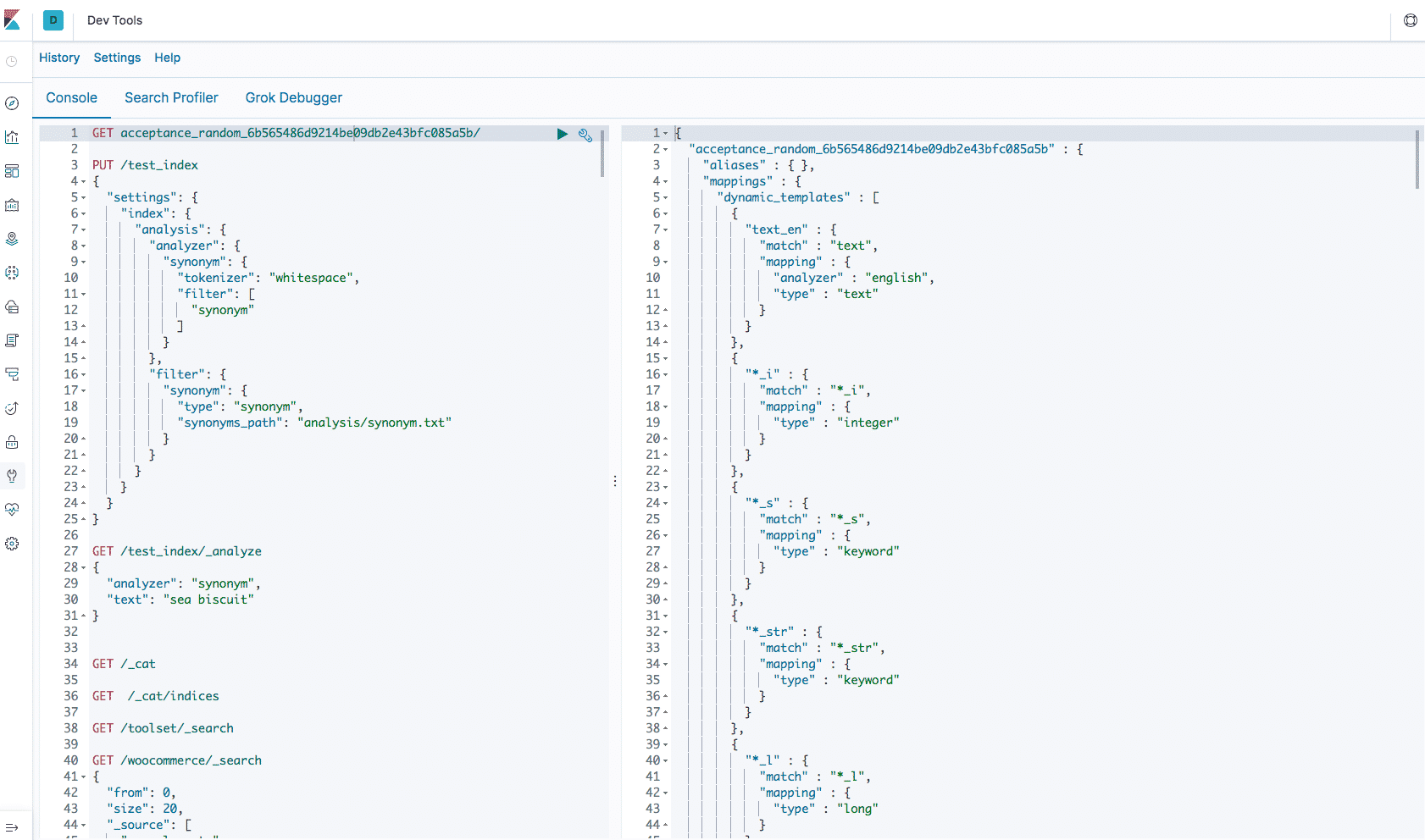
Connect to your OpenSearch dashboard to control your search.

Set your own analysers and languages.

Define custom pipelines and plugins.

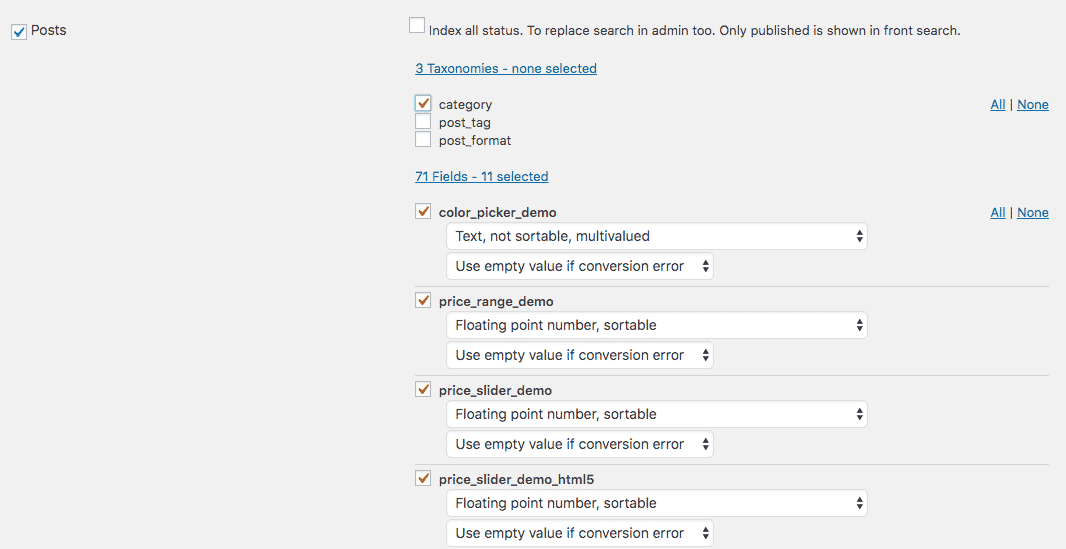
Choose your data

Choose post types, taxonomies, and custom fields to search.

Manage custom field types, and conversion errors.

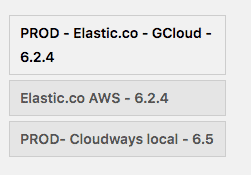
Multi indexes

Choose among several indexes.

Useful for multi-languages, or testing.

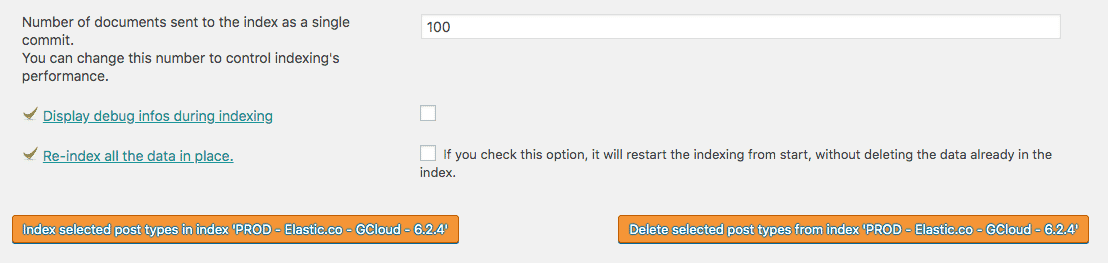
Control Indexing

Click on one button to index, re-index, or delete your data.

Choose Incremental or full reindexing.

Index in real-time, or not.

Index by batches, and select the batch size.

Show debugging informations for troubleshooting.

Index what you need

Choose post types and taxonomies to index, re-index, or delete.