Forum Replies Created
-
wpsolrKeymaster4 years, 6 months ago in reply to: ElasticSearch Issue #29456
It looks like the index already existed. Can you try with a different index label and name?
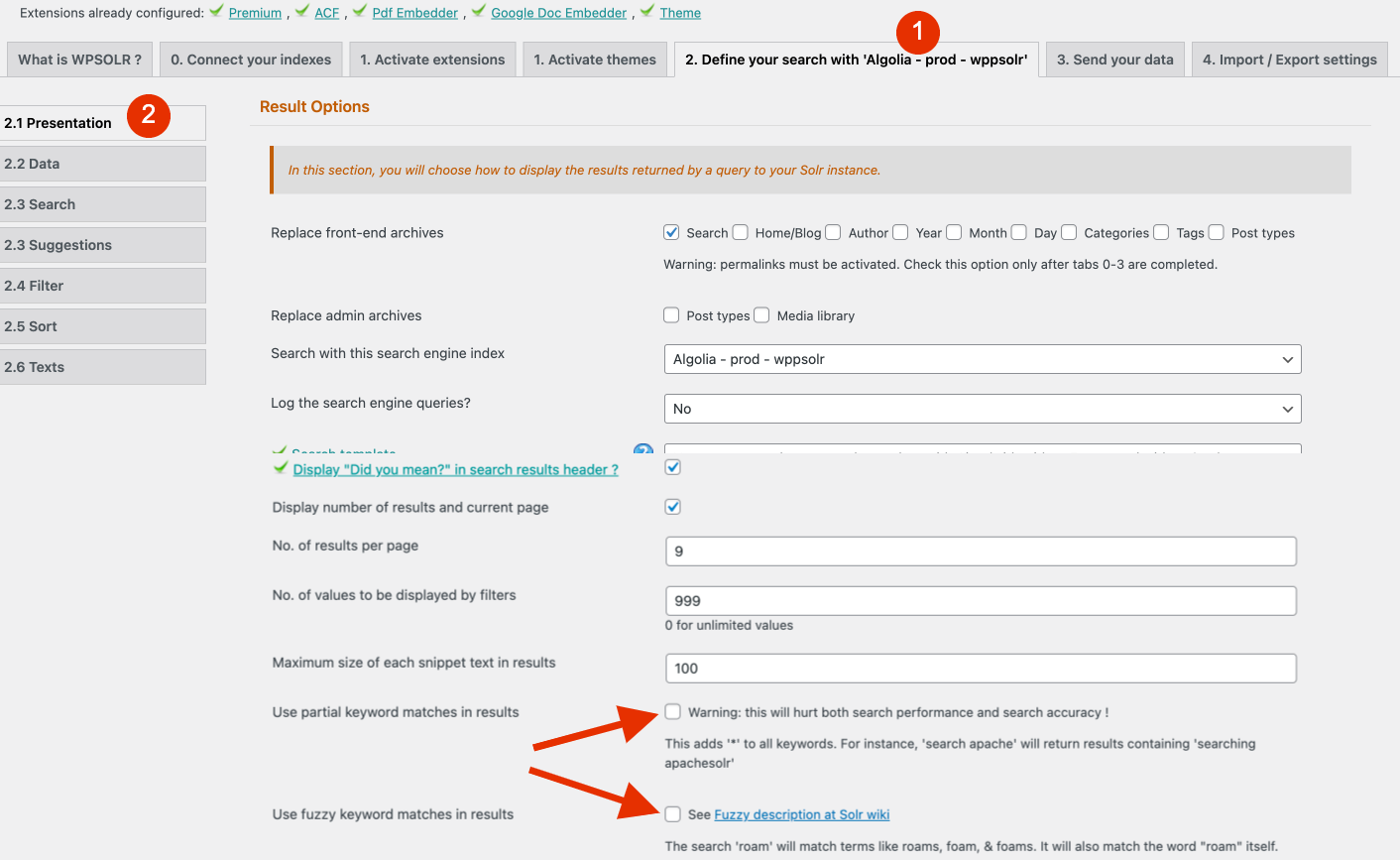
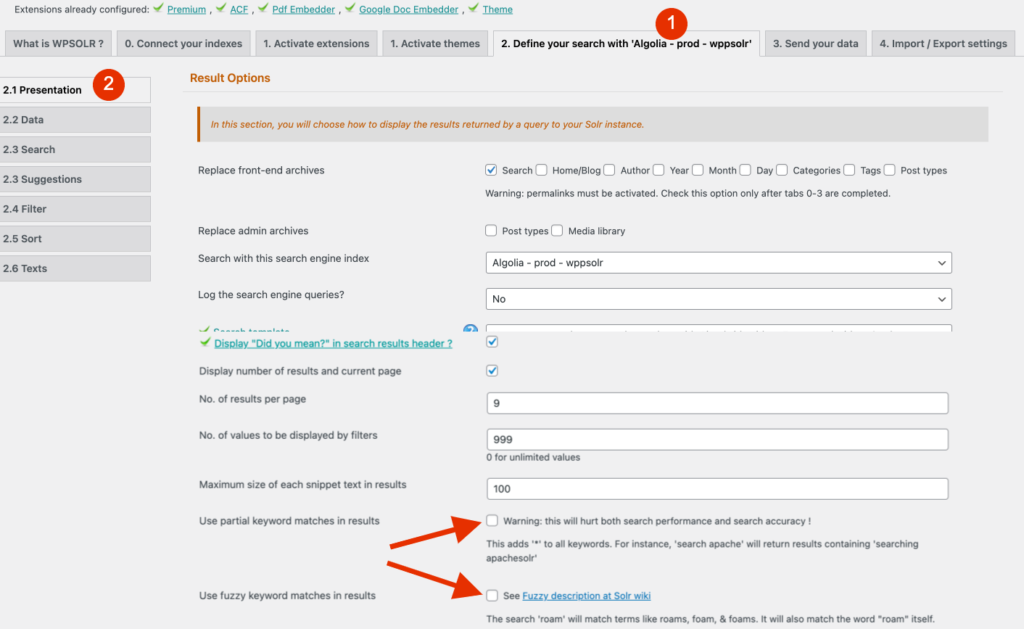
wpsolrKeymaster4 years, 6 months ago in reply to: Search keyword not working properly #29451It is a the bottom of page settings 2.1 in WPSOLR.
 wpsolrKeymaster4 years, 6 months ago in reply to: Search keyword not working properly #29449
Did you activate the fuzzy or partial matching options in WPSOLR screen 2.1?
wpsolrKeymaster4 years, 6 months ago in reply to: Search by keyword can’t find certain products #29447Please create a new topic for that. I’ll answer from there.
wpsolrKeymaster4 years, 6 months ago in reply to: PDF Indexing #29444You can read the explanation at /forums/topic/problem-indexing-media-files/
wpsolrKeymaster4 years, 6 months ago in reply to: Can’t Deactivate/Reactivate License #29439https://www.gcn.{$mysite}
https://pre.{$mysite}
are removed from your license.wpsolrKeymaster4 years, 6 months ago in reply to: QueryMonoitor not showing Elastic search Queries #29434It would mean that WPSOLR is not active on your page.
Which kind of page do you monitor? (it must be an archive selected on screen 2.1)wpsolrKeymaster4 years, 6 months ago in reply to: boost values #29432I prepared a fix for this issue: https://trello.com/c/sXRWb9n8/186-fix-elasticsearch-boost-values
wpsolrKeymaster4 years, 6 months ago in reply to: QueryMonoitor not showing Elastic search Queries #29431The plugin and the add-on must be activated. And the option “Log in Query Monitor” selected on screen 2.1
wpsolrKeymaster4 years, 6 months ago in reply to: Order products by category priority #29428You would have to apply the whole hierarchy to your products: product “Phone XXX” must have categories “Electronics & Mobiles”, “Mobile Phones”, and “Apple”.
wpsolrKeymaster4 years, 6 months ago in reply to: QueryMonoitor not showing Elastic search Queries #29422Can you see WPSOLR’s facets on your search page?
wpsolrKeymaster4 years, 6 months ago in reply to: Order products by category priority #29420You also need to use the label of the categories on the boost values, not the slug.
wpsolrKeymaster4 years, 6 months ago in reply to: Order products by category priority #294190.5 is lower than 1, which means grocery results are shown after electronics-mobiles
wpsolrKeymaster4 years, 6 months ago in reply to: Order products by category priority #29415You cannot. Boost values are not related to keywords, but to boosted content instead.
For instance:
Electronics^2
Food^1wpsolrKeymaster4 years, 6 months ago in reply to: Order products by category priority #29413You can boost your category values in WPSOLR’s screen 2.3
But boost values do not depend on keywords: “Electronics” will be favoured for all keywords.