
What Your Customers’ Clicks Tell a Recommendation Engine
A product click is more than a visit to a product page. It is an implicit signal that can help a recommendation engine estimate interest,


A product click is more than a visit to a product page. It is an implicit signal that can help a recommendation engine estimate interest,

Returning shoppers should not have to start from zero every time they visit a WooCommerce store. If a customer searched for “waterproof hiking boots,” viewed
Searchers rarely use the same words as a product catalog. A shopper may type running shoes for rain, while the catalog describes the relevant products
WooCommerce stores often need more than a simple product search box. Customers may search for “running shoes” and then narrow the result set by price,

Product categories are not just labels in WooCommerce. They form a navigable taxonomy that affects catalog browsing, layered navigation, product feeds, merchandising rules, and the
BM25 is the default relevance algorithm used by Elasticsearch for most text fields. When a WooCommerce shopper searches for a phrase such as waterproof hiking

Parsing is only the first step in making WooCommerce documents useful to an application. A parser can extract text from a PDF, DOCX file, HTML

Product-view events are the foundation of useful personalization in a WooCommerce store. A product view indicates current intent, but it is only valuable to Amazon
Algolia’s ranking formula determines which records appear first when multiple products match a shopper’s query. For WooCommerce stores, understanding this formula is essential when merchandising

Product discovery is often the difference between a WooCommerce visitor who converts and one who leaves. Customers may know the problem they want to solve
For a WooCommerce agency, the choice between WPSOLR and Better Search is primarily an architectural decision. Both can improve WordPress search relevance, but they operate
On many WooCommerce stores, search is one of the highest-intent paths to purchase. Visitors who search usually know what they want, so a poor result
A product view, search, add-to-cart event, and purchase all describe customer activity, but they do not carry the same meaning. Treating a purchase as just
A shopper’s visit should not disappear when the session ends. Search terms, product clicks, filters, add-to-cart actions, purchases, and unsuccessful searches can all provide useful

Keyword search works well when shoppers know the exact product name, SKU, or attribute value. It becomes less effective when they describe an intent, use
A WooCommerce product search query should combine the shopper’s text with the filters and ranking signals needed by the storefront. Vespa’s Query API provides the
Product variations are often the difference between a useful WooCommerce answer and a misleading one. A customer may ask whether a blue, large hoodie is
In a WooCommerce catalog, the product name usually carries more commercial intent than the long description. A shopper searching for waterproof hiking boots is generally

Parsing a document is only the first step in making it useful to a search system. LlamaParse can turn PDFs, word-processing files, spreadsheets, and other

Why clicks deserve a place in your personalization strategy A WooCommerce store generates useful behavioral data long before a customer places an order. A product
In ecommerce search, “relevant” does not simply mean “contains the words the shopper typed.” A relevant result helps a shopper complete the task implied by
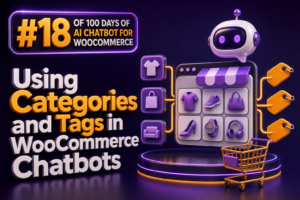
WooCommerce categories and tags give a chatbot structured signals for product discovery, recommendations, and support. Categories usually represent the store’s primary product hierarchy, while tags
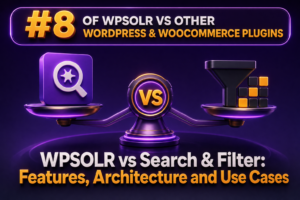
The architectural difference WPSOLR and Search & Filter solve related WooCommerce problems through very different architectures. WPSOLR is primarily a search and indexing layer that

Product discovery is a revenue problem, not just a navigation problem. When shoppers cannot find the right product quickly, they abandon the session, choose a
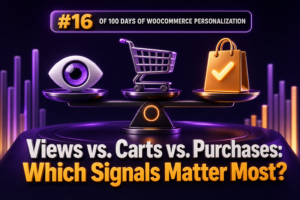
WooCommerce personalization depends on choosing signals that represent meaningful customer intent. Product views, cart additions, and purchases all provide useful information, but they should not
Conversion optimization becomes much more reliable when it is based on what shoppers actually do rather than what a team assumes they will do. In
Semantic product search lets shoppers describe what they need in natural language instead of matching only the exact words stored in a product title. A
When WooCommerce products are imported into Vespa, YQL becomes the query layer used to search, filter, sort, and group the catalog. For an agency, this

Embedding WooCommerce product descriptions converts catalog text into numerical vectors that represent meaning. A retrieval system can then compare a shopper’s query with those vectors
Product relevance often depends on information distributed across several fields. A shopper may enter a brand, model number, product type, and descriptive phrase in one

Parsing is not just the act of extracting words from a PDF, DOCX file, or scanned document. It is the point at which a document’s

A customer’s first purchase gives a WooCommerce store one of its most valuable personalization signals: a demonstrated need. Post-purchase recommendations can use that signal to
A reliable Algolia indexing pipeline should treat the search index as a projection of WooCommerce data, not as the primary data store. WooCommerce remains the

Product variations are where many WooCommerce chatbots stop being useful. A customer may ask for a blue, medium shirt, but the chatbot must identify the

In a WooCommerce retrieval-augmented generation system, the text inside a document is only part of the retrieval signal. Metadata determines whether the system can filter,
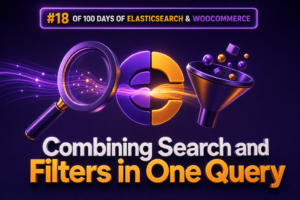
WooCommerce shoppers often need two things at the same time: relevant text results and precise product constraints. A customer may search for waterproof hiking boots

Scanned PDFs should not be treated like ordinary PDFs. A digitally generated PDF usually contains a text layer that can be extracted with reasonable fidelity.

Checkout is one of the highest-intent areas of a WooCommerce store. The customer has selected a product, reviewed the cart, and is preparing to pay.
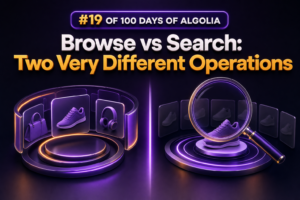
In Algolia, Search and Browse may both return records from an index, but they solve fundamentally different problems. Confusing them can lead to slow catalog
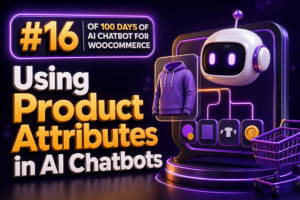
Product attributes are one of the most useful sources of structured product data for a WooCommerce AI chatbot. Customers rarely ask only for a product
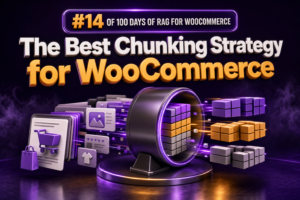
Why WooCommerce needs a domain-specific chunking strategy Chunking determines what a retrieval system can find and what context an answer-generation step receives. In WooCommerce, a
Price filtering is one of the most common requirements in WooCommerce search: show products between two values, find items below a sale threshold, or build
WooCommerce document workflows often begin with files that were never designed for software: scanned supplier invoices, photographed packing slips, legacy product catalogs, warranty forms, and

Cart recommendations should help shoppers complete an order, not distract them from checkout. For a WooCommerce store, the most useful suggestions are usually complementary products:
Importing a few thousand WooCommerce products into Algolia is straightforward. Importing several million products, variations, inventory records, and taxonomy combinations requires a controlled indexing pipeline.

A WooCommerce chatbot becomes much more useful when every product recommendation is traceable to a specific catalog item. Instead of replying with an unsupported statement

Choosing between WPSOLR and Ivory Search depends primarily on search architecture rather than on the number of configuration screens. Both can improve the default WordPress

Most WooCommerce stores treat the search box as a navigation feature. For an agency, it is also a source of commercial intelligence and a high-intent